PushLimit Support
PushLimit
Track your bodyweight fitness journey with motivation and precision
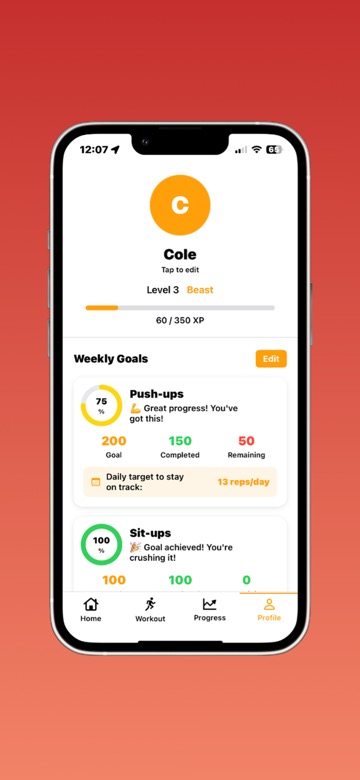
Key Features
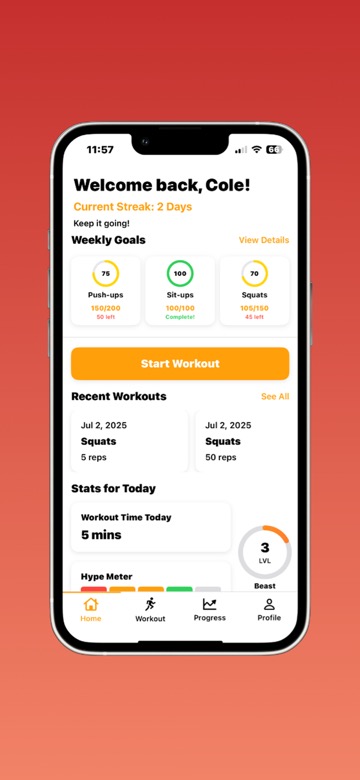
Streak Tracking
Build momentum with daily workout streaks and watch your consistency grow
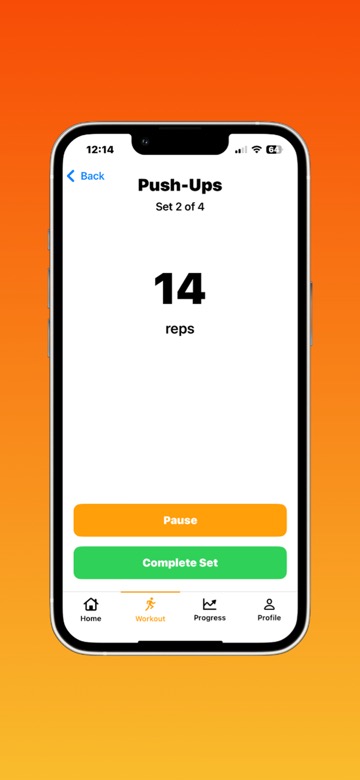
Rest Timers
Optimize your workouts with built-in rest timers for maximum efficiency
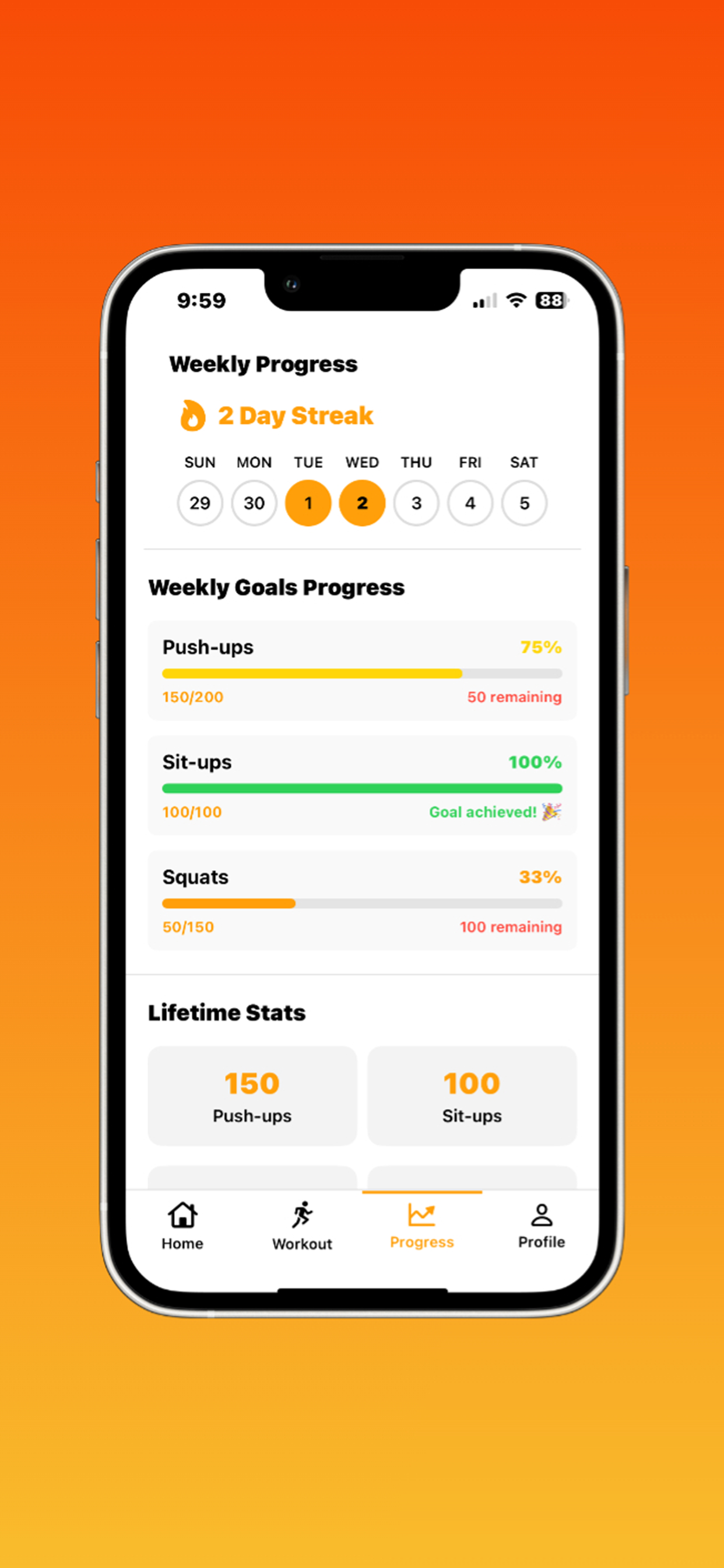
Goal Progress
Set personal goals and track your progress with detailed analytics
Theme Support
Customize your experience with multiple theme options
Frequently Asked Questions
How do I start tracking my workouts?
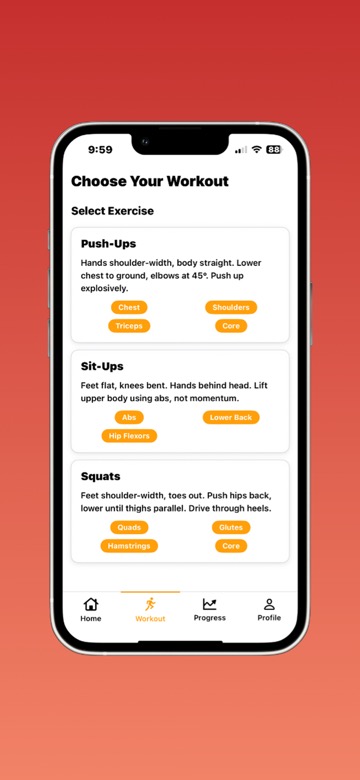
+Open PushLimit and tap the "+" button on the home screen. Choose from push-ups, sit-ups, squats, or create your own custom exercise. Enter the number of reps you completed and the app will automatically save your workout. You can also add notes about how the workout felt or any modifications you made.
How does streak tracking work?
+Your streak counts consecutive days where you complete at least one workout. Each day you work out, your streak increases. If you miss a day, your streak resets to zero. You can view your current streak, longest streak ever, and total workout days in your profile. The app will celebrate milestone streaks like 7 days, 30 days, and 100 days with special notifications!
Can I set custom goals?
+Yes! Go to Settings > Goals to set daily, weekly, or monthly targets for any exercise. For example, you could set a goal of 50 push-ups per day or 300 squats per week. The app will track your progress and show you how close you are to reaching each goal. You can adjust goals anytime, and the app will celebrate when you hit your targets with achievement notifications.
How do I use the rest timer?
+The rest timer automatically starts after you complete a set to help you maintain proper rest intervals. You can customize the rest duration in Settings > Timer (default is 60 seconds). The timer will count down and notify you when it's time for your next set. If you're ready to continue sooner, just tap "Skip" to start your next set immediately. This helps prevent overtraining and ensures you're getting adequate recovery between sets.
How do I view my progress over time?
+Tap the Progress tab to see detailed charts and statistics. You can view your performance by day, week, month, or year. The charts show your total reps, average reps per workout, and personal records. You can also see which exercises you do most often and track improvements in your strength and endurance over time. The progress view helps you stay motivated by showing how far you've come!
Is my data backed up?
+Yes! Your workout data is automatically backed up to iCloud whenever you're connected to the internet. This means you won't lose your progress if you reinstall the app, get a new device, or accidentally delete the app. Make sure you're signed into iCloud on your device for automatic backups. You can also manually backup your data in Settings > Data Management > Backup Now if needed.
Still Need Help?
Can't find what you're looking for? We're here to help!